For Android users: registration from a phone may not work smoothly. We recommend to register from a tablet or computer.
Follow the personal link
In order to register on the official AMWAY website first of all choose the status (Customer or Member+/ABO), then select your country and language.
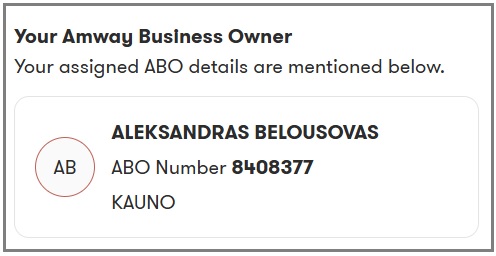
When you click on the link you will see a pop-up window or sidebar with a registration form under the heading “Witamy, Utwórzmy Twoje konto Klienta! Twój Przedsiębiorca Amway Dane przypisanego do Ciebie PA znajdują się poniżej.” (Welcome! Let’s create your Customer account! Your Amway Business Owner The details of the PA assigned to you are listed below.)*
* If you have selected Customer status.
Verification of Sponsor Data
Make sure that the top section of the form contains the correct information about your sponsor , i.e. ALEKSANDRAS BELOUSOVAS. This confirms that you are registering in the right team. The ABO number may be different, depending on the country in which you are registering.
Entering personal information
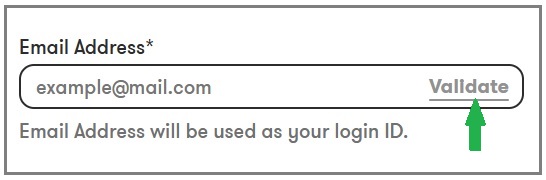
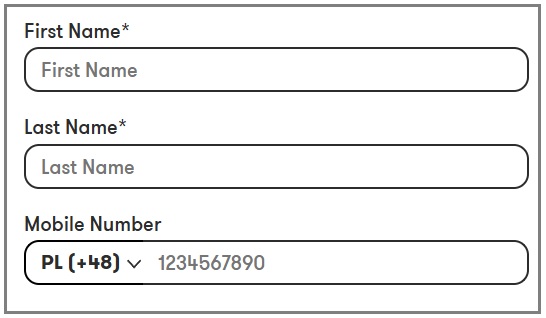
Please fill in the required fields marked with an asterisk (*).
After filling in the field, click the button “Validate” (Confirm email).
Please continue to fill in your details
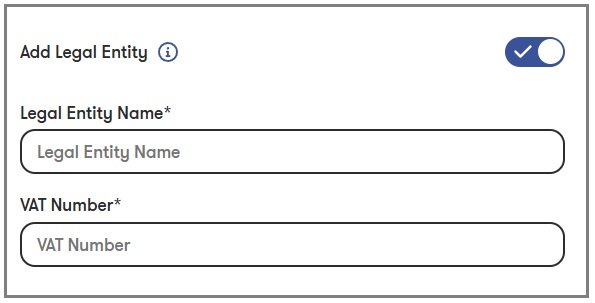
If you wish to purchase AMWAY products on behalf of a company, please check the box next to Add Legal Entity and fill in the company information.
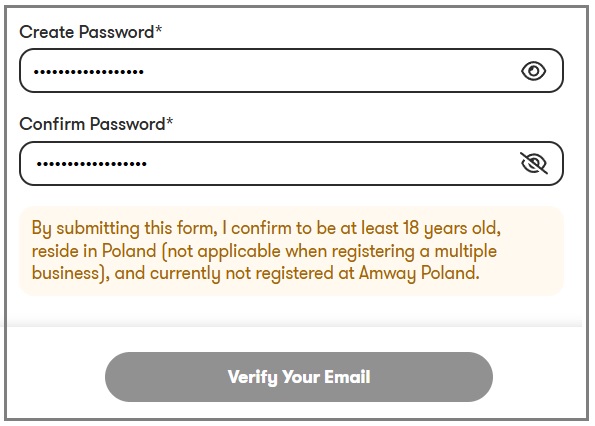
Create a secure password. While creating a password, use symbols from lowercase and uppercase letters, numbers, and special symbols, e.g. @
Email confirmation / completing registration
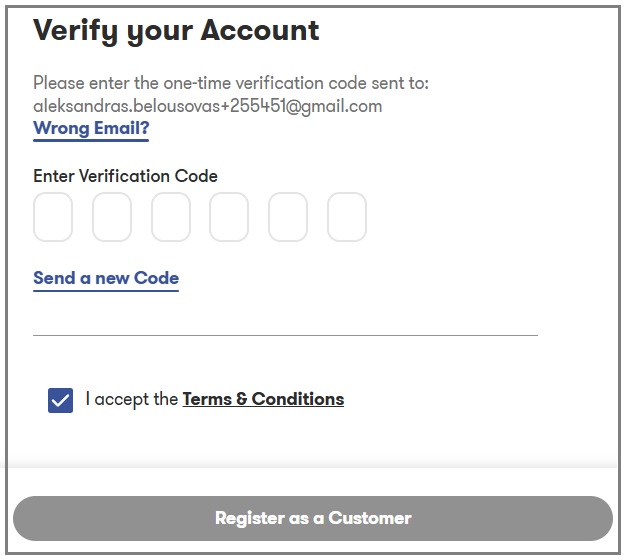
Email verification: You will receive an email with a confirmation code.
Return to the registration form, check the box, enter the code, and click the button below.
Congratulations, you have successfully registered!
After registering to log in to your personal account on the AMWAY website, use your email address as your login name (or Amway ID) and the password you have set.
No, registering on the amway.pl website does not commit you to anything. Creating an account (regardless of your status – Customer or Member+) allows you to familiarize yourself with the products, find out the prices of AMWAY products, etc.
Używamy plików cookies, aby zapewnić użytkownikowi jak najlepsze korzystanie z serwisu. Korzystając z tej Strony, a także wchodząc na nią z innej strony internetowej, akceptujesz użycie plików cookie
This website uses cookies to improve your experience while you navigate through the website. Out of these, the cookies that are categorized as necessary are stored on your browser as they are essential for the working of basic functionalities of the website. We also use third-party cookies that help us analyze and understand how you use this website. These cookies will be stored in your browser only with your consent. You also have the option to opt-out of these cookies. But opting out of some of these cookies may affect your browsing experience.